The Excel Lab · By Zach Houk

Finally learn Excel.

It’s simpler than you’ve been told. But you need a system.
This is the system built for you.

What this is

A course on the 20% of Excel that actually matters, taught as one connected system.

8F’s. That’s all of Excel.I simplified all of Excel into 8 “F’s”. One system, not 300 functions. Learn them in order and everything after makes sense.
✓Built on your job’s files.Marketing, HR, Ops, Sales, Finance or Product. Every practice file is one your job actually puts in front of you — and nothing locks, so you can work another role any time.
24/7An AI coach, in my voice.It knows the whole course and every practice file. When you’re stuck you talk to it, and it keeps explaining until it clicks.
How this gets paid for

This is professional training, and it’s usually paid for the way a conference is: out of a training budget. I make that easy — a syllabus, the hours, a proper invoice, and a request for your manager that I write for you.

How your company pays →
The stance

Excel is just a tool. I don’t worship it. I use it. And I use it damn well.

Every other course is selling you information. Information is free — YouTube has 10,000 hours of it. What you need is clarity: knowing exactly which tool to reach for, so cold your head stays on the story the data is telling.

That’s what I’m going to teach you.

And I’m good at getting it to land. Twenty years of explaining this to smart people who were never shown it properly — I know where it clicks, and I know where it doesn’t.

How it works

What a session actually looks like.

01Recorded. You go at your own pace.

Every session is ready when you are. There’s no class to show up for and no cohort to keep up with.

02An hour of me, then an hour of you.

About an hour of me teaching, in short chapters. Then about an hour of you building it yourself, with the coach.

03A Boss ends every session.

The Boss is the build at the end: a real file for your role, made by you and sent in. The coach reads it and tells you what to fix.

04About two hours a week.

Eight sessions, sixteen hours, 60 days of access. Long enough to finish, short enough that you do.

05When you’re stuck.

Talk it through with the coach, any hour. Still stuck? Email me. You can always reach me.

06On your job’s files.

Marketing, HR, Ops, Sales, Finance or Product. Pick yours, and switch any time — nothing locks.

The curriculum

Eight sessions. Eight F’s. All of Excel.

I’ve created a simple system to learn Excel, and it all comes down to just 8 F’s.

What you’ll be able to do
  • Take a 4,812-row export down to the twelve rows that count.
  • Make two exports that didn’t match, match.
  • Rebuild the thing you counted by hand last month in eleven seconds.
  • Format a sheet so your reader finds the answer in three seconds.
  • Chart it so the answer lands before anyone asks a question.
  • Catch the wrong numbers in a file before you hit send.

All of it on your role’s own files.

8 sessions · 8 F’s · 16 hours Tap a session for what’s inside.
01FundamentalsThe basics most people skip — learned properly, once, so everything after them makes sense.
  • A spreadsheet is a canvas. Here’s how it actually thinks.
  • What “the range” means to Excel.
  • Put the mouse down. The ten shortcuts that matter first.
  • Clean data in. Every other F depends on it.
  • Never send “v3_FINAL_final” again.
  • Your role’s messiest real file, opened and navigated hands-on-keys.
02FormattingGuides the eye straight to the answer. A formatted sheet gets read; a wall of cells gets skimmed.
  • Your reader decides in three seconds.
  • The ten-minute cleanup, in order.
  • Numbers people can actually read.
  • Point the eye at the answer.
  • Conditional formatting, without the rainbow.
  • The same file before and after, with the coach asking what a reader sees first.
03FilteringCuts the noise and finds what matters — 4,812 rows down to the twelve that count.
  • Sorting without scrambling your data.
  • The filter mistake that quietly drops rows.
  • Make it a real Table. It changes everything after.
  • Duplicates: which one is right?
  • The view you rebuild every week — build it once.
  • 4,812 rows down to the twelve that count, on your role’s export.
04FormulasMakes Excel do the thinking, so your head stays on the story the data is telling.
  • Read a formula out loud.
  • Lock the reference. Drag it again.
  • Why your number is wrong.
  • IF, without the nightmare.
  • Write it so the next person can follow it.
  • Build it, break it, find it. The coach breaks your file on purpose.
05FunctionsThe few that handle everything. Not 300 — the ones that actually move your work.
  • You need less of these than you think.
  • The important ones.
  • Skip these.
  • Sometimes there’s an easier way.
  • Two exports that didn’t match, matching.
06FlexingPivot tables. Raw data, tamed fast — the skill that looks like magic in a meeting.
  • Clean data in, answers out.
  • Your first pivot in 90 seconds.
  • Rows, columns, values — what goes where.
  • The data changes. It still works.
  • Make it a one-screen answer.
  • The thing you counted by hand last month, rebuilt in eleven seconds and sent as an answer.
07FramingCharts that tell the story — so the answer lands before anyone asks a question.
  • One chart, one question.
  • The three chart types that survive a real deck.
  • Strip it down to the message.
  • Title it with the answer, not the subject.
  • What happens to it in someone else’s slides.
  • Your pivot, charted three ways. The coach picks the one that lands and says why.
08FixingWhen it breaks, you don’t panic. You know what the error is saying and what to do next.
  • What each error code is actually saying.
  • Does this number even make sense?
  • How a 10x error survives three reviewers.
  • The four checks that catch almost everything.
  • The formula is right. The answer is wrong.
  • The ninety seconds before you hit send.
  • The coach hands you a file with three wrong numbers in it. You catch them first.

Want in when the doors open?

Get on the list. The first offer goes to the people on it, and so does the reference letter.

About all that AI hype

AI multiplies what you already know. So know something.

AI can write the formula in ten seconds. It cannot tell you whether the number it produced is right, and it cannot tell your boss what the sheet means. The people who actually understand Excel are the ones AI makes more valuable, not less.

So I teach it. Easy, practical ways to use AI for real spreadsheet work you could do tomorrow. And the part that matters more: how to know, fast, whether what it handed you is even right.

Zach Houk
The coach

An AI voice coach, in my voice.

I cloned my own voice and handed it the entire curriculum, every practice file, and 20 years of my finance opinions. Talk through anything and hear how I’d actually explain it.

I’ve spent twenty years finding the ways this stuff actually lands for people who never got it. The coach has every one of them, at 11pm, as many times as you need. Nobody is judging you. Nobody is bored of the question.

AI ZACH · LIVE 24/7

“Don’t touch the formula yet. Tell me what you want the answer to look like.”

The other side

There’s a version of your life on the other side of learning this.

01 / The paycheck

The raise you stopped waiting for someone to offer you.

02 / The summary

The summary your boss forwards without edits.

03 / The meeting

The chart where the answer lands before anyone asks a question.

04 / The Monday

The report you rebuild every week, built once.

The point

None of this is about Excel — it’s about what knowing Excel buys you.

The difference

Here’s exactly what you’re getting.

The Excel Lab is the tool. Numbers at Work is the game the tool is played in. The Stack is both.

The other half of the Stack

The Numbers at Work Lab

How money actually moves through a business — and what the numbers are telling you. Get that, and you’re the valuable one in the room. That’s who gets paid more.

See the Numbers at Work Lab →
6 sessions · 16 hours
  1. The Whiteboard
  2. The Scoreboard
  3. The Timing Trap
  4. Where the Number Comes From
  5. The Variance
  6. The Ask
Everyone elsethe typical Excel course
The Excel Lab$800
The Stackboth Labs · $1,200
What you learn
Hundreds of functions, one at a time.
The 20% that matters, taught as one system — all 8 F’s.
All 8 F’s, plus the whole Numbers at Work Lab.
The business side
Not covered.
—
How the money moves, and what the numbers are telling you.
Practice
Their sample file.
Files built for your role.
When you’re stuck
A Facebook group.
My voice coach, 24/7, for the spreadsheet.
My voice coach, 24/7 — for the spreadsheet and the business question.
Your work
Nobody looks at it.
A Boss every session, read by the coach.
How it ends
A certificate for finishing.
The last Boss, read by the coach.
The Final Boss, read by me — and a reference letter if you earn it.
Access
Lifetime access you never open.
60 days, on purpose. Need more? I’ll extend it.
Getting paid more
Not covered.
—
Cash Money — turning the skills into actual money.
The launch special · Limited capacity

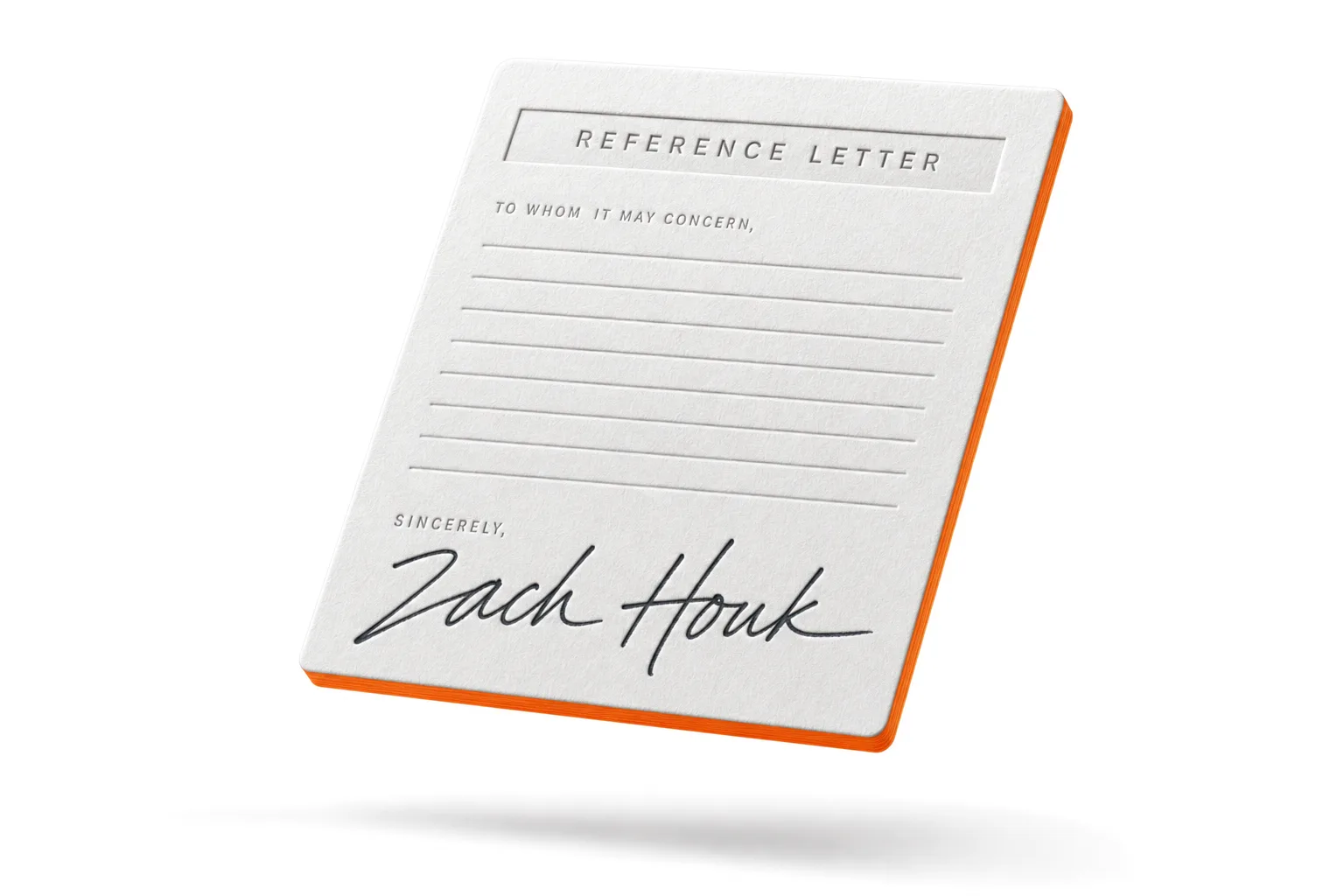
An actual reference letter for your career.

Everyone else gives you a certificate. I read your actual work.

I taught business at a college — youngest they ever hired — and I’ve spent twenty years in finance since. I’m not telling you that to impress you. I’m telling you because you’re about to pick someone to learn this from, and you should know who’s actually on the other end.

And yes I’m grading your actual work and signing your personal reference letter if you truly learn what I teach you.

  • It has to be earned — that’s the only reason it’s worth having.
  • If the work isn’t there yet, you get exactly what to fix and another go.
  • This doesn’t scale, so I’m taking a limited number. When it’s full, it’s full. Stack only.
The reference letter — signed by Zach Houk
The price
The Excel Lab $800 All 8 F’s · 8 sessions · 16 hours
  • 8 hours of me teaching, 8 hours of you building with the coach
  • A Boss ends every session — you build it, send it in, the coach reads it
  • 60 days of access. Long enough to finish, short enough that you do
Enroll — $800
Recommended The Stack $1,200 Both Labs · 14 sessions · 32 hours
  • Everything in the Excel Lab
  • The Numbers at Work Lab — 6 sessions on how the money moves
  • Cash Money — turning the skills into actual money
  • The Final Boss, read by me — and the reference letter if you earn it
  • “Accounting for Cool People” cheatsheet
Get the Stack — $1,200
Your company pays

You probably won’t pay for this.

It comes out of a training budget, like a conference does. I’ll invoice your company directly, or you expense it with a proper invoice. I’ll even write the request for your manager. How it works →

Paying yourself

Split it up.

Payment plans at checkout. Same price, spread out.

The guarantee

Forty-five minutes. In or out?

Watch the first three chapters of Fundamentals — about 45 minutes — then I ask you point-blank. Out — full refund, every dollar. In — we finish what we started, and refunds are off the table.

Before you ask.

Do I need to already know Excel to start?

If you can open a file and type in a cell, you’re ready. Fundamentals starts at the actual beginning — the basics most people skip — and builds from there.

What if I already use Excel every day?

Using it daily and having learned it properly are different things — most people run on a handful of self-taught habits. If you already build summaries your boss forwards without edits, you don’t need this.

Does this cover VBA, Power Query, or macros?

No, on purpose. That’s the complexity everyone else sells. This is the 20% that actually moves your work — learned cold.

What’s the difference between this and Numbers at Work?

The Excel Lab is the tool. Numbers at Work is the game the tool is played in — the numbers themselves. The Stack is both.

Is it live, or recorded?

Recorded. Every session is ready when you are, so you go at your own pace. The coach is there any hour, and you can email me any time.

How much time does it take?

Sixteen hours in all. Each session is about an hour of me teaching and an hour of you building. Spread over the 60 days, that’s about two hours a week.

What if my job isn’t one of the six roles?

Pick the closest one. Nothing locks, so you can work another role’s files any time. The 8 F’s are the same in every job.

What does the Stack add?

The whole Numbers at Work Lab, Cash Money, the “Accounting for Cool People” cheatsheet, and the Final Boss — the one I read myself, with the reference letter if you earn it.

Can my company pay for it?

Usually, yes. It comes out of a training budget, like a conference does. I’ll invoice your company directly, or you expense it with a proper invoice — and I’ll write the request for your manager. Here’s how it works.

Finally learn Excel.

Or explore the Numbers at Work Lab →

The waitlist

Get on the list.

The doors aren’t open yet. The first offer goes to the people on this list, and so does the reference letter: my read of your final work, with my signature on it.

Capacity is real, and it goes to whoever was here first.

When the doors open, your invite comes with the request for your manager, already written.